
Learn Javanese Script Online with JavaSense
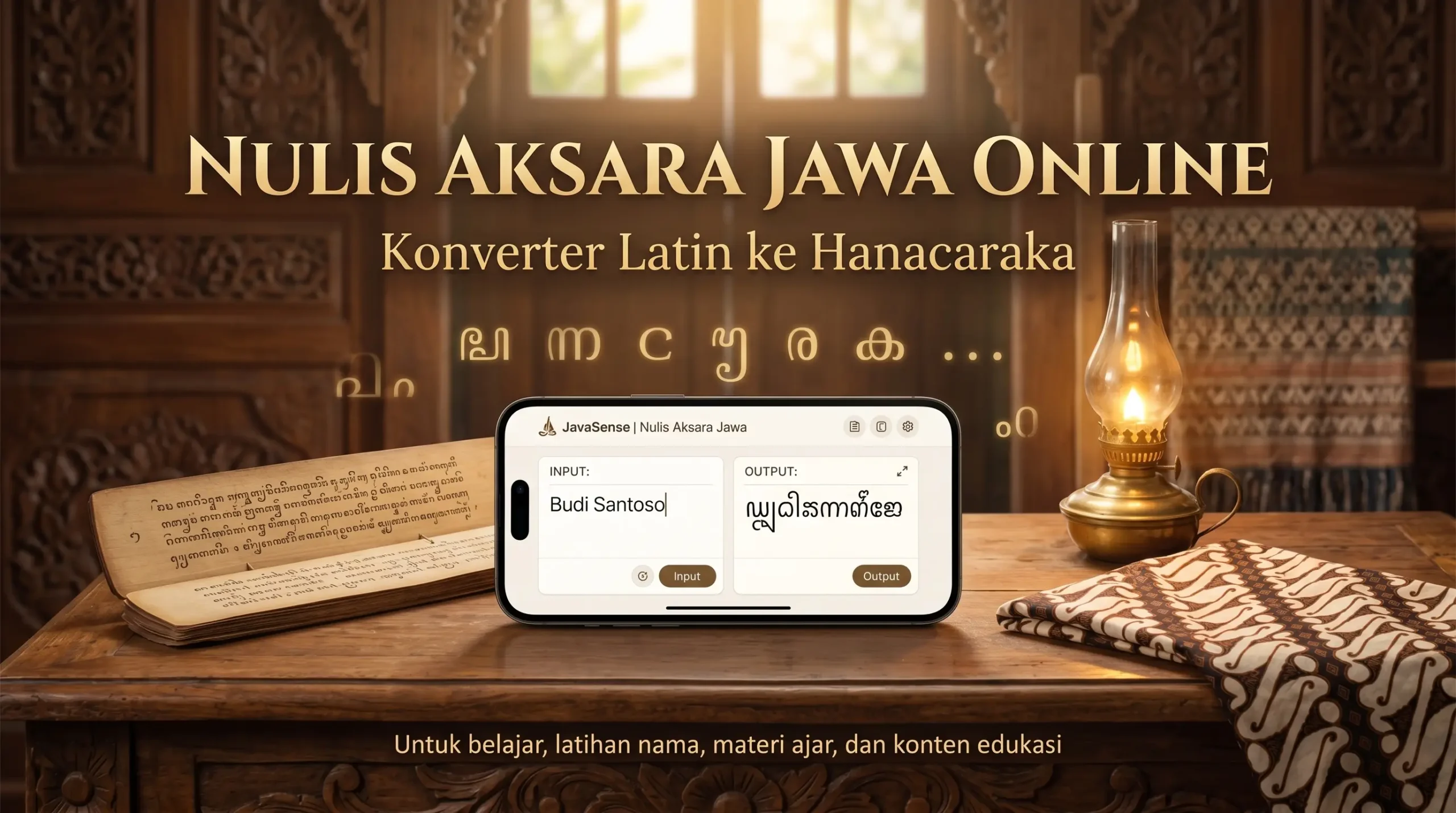
Javanese script, also known as Hanacaraka, is a traditional writing system used for the Javanese language. This online writer helps learners convert Latin text into Javanese script as a practical starting point for reading, writing, and understanding the structure of Hanacaraka.
The tool is useful for practice, but it is not a replacement for understanding the writing rules. Javanese script works with base consonants, vowel marks, final consonant signs, and special forms. That is why the result may need manual review, especially for names, loanwords, or formal writing.
Summary of the Javanese Script Writer
- Main function: converts Latin text into Javanese script or Hanacaraka.
- Best for: learning, name practice, study notes, classroom materials, cultural content, and simple design drafts.
- Important checks: names, loanwords, murda, swara, rekan, pasangan, and pangkon may require manual review.
- Not a language translator: this tool transliterates writing systems; it does not automatically translate Indonesian or English into the Javanese language.
- Display note: if the script does not appear correctly, your device, browser, or font may not fully support Javanese Unicode.
How to Use the Javanese Script Writer
- Type or paste Latin text into the input box.
- Read the converted result in the Javanese script output box.
- Use the copy button if you want to place the result into documents, study notes, designs, or social media captions.
- Review sandhangan, pasangan, pangkon, murda, swara, rekan, and word context if the output will be used for formal purposes.
For easier practice, start with short words first. After that, move to phrases or simple sentences so you can check the script more carefully.
What Is Javanese Script or Hanacaraka?
Javanese script is a traditional script used to write the Javanese language. Many learners know it through the sequence called Hanacaraka, which begins with syllables such as ha, na, ca, ra, ka, and continues through the base letters.
Javanese script is generally described as an abugida. This means each base consonant carries an inherent vowel sound that can change when marks are added. Because of this, learning Hanacaraka is not only about memorizing letter shapes. Learners also need to understand how sound, marks, and letter combinations work together.
For a general introduction, you may read Wikipedia: Javanese script. After that, you can return to this page to practice Latin to Javanese script conversion directly.
Writing Basics: Nglegéna, Sandhangan, Pangkon, and Pasangan
The foundation of Javanese writing is the nglegéna letters, which are the base consonants of Hanacaraka. For example, ꦏ is read as ka. When a vowel sign such as wulu is added, the sound changes. When the inherent vowel needs to be canceled, the writing may involve pangkon or pasangan depending on the context.
Four basic elements are important for beginners:
- Nglegéna letters: the basic consonant letters of Hanacaraka.
- Sandhangan: marks that change or indicate vowel sounds and other phonetic features.
- Pangkon: a sign used to suppress the inherent vowel in certain writing situations.
- Pasangan: forms used to write final consonants or consonant clusters in connected writing.
Understanding these parts makes the converter easier to use, because you can see why a Latin word may turn into a specific Javanese script form.
Special Characters: Murda, Swara, and Rekan
Besides the basic letters, Javanese script also includes special characters. These become important when writing names, titles, loanwords, or terms that do not fit simple base-letter patterns.
- Murda: special letters often used for names, titles, places, or respectful writing. In modern explanations, murda is sometimes compared to capital letters, although the function is not exactly the same as Latin capitalization.
- Swara: independent vowel letters that can stand on their own, especially when a word begins with a vowel sound.
- Rekan: letters used to represent loan sounds such as fa, kha, za, and other sounds not native to older Javanese phonology.
If the converter output looks unexpected for a name or modern term, the word may need attention to murda, swara, rekan, sandhangan, pasangan, or pangkon.
Latin to Javanese Script Examples
Here are a few examples of Latin to Javanese script transliteration. These examples are useful for visual practice, but the exact output may vary depending on spelling, input mode, and word context.
- Budi Pekerti Luhur → ꦧꦸꦢꦶꦥꦺꦏꦼꦂꦠꦶꦭꦸꦲꦸꦂ
- Manunggaling Kawula Gusti → ꦩꦤꦸꦁꦒꦭꦶꦁꦏꦮꦸꦭꦒꦸꦱ꧀ꦠꦶ
- Sastra Jendra Hayuningrat → ꦯꦱ꧀ꦠꦫꦗꦺꦤ꧀ꦢꦿꦲꦪꦸꦤꦶꦁꦫꦠ꧀
These examples show that Javanese script is not only a visual symbol system. It has structure, sound logic, and writing conventions that make it meaningful as a learning subject.
Practical Tips for Learning Javanese Script
- Start with short words such as rasa, karsa, budi, or jawa.
- Pay attention to how vowel sounds change when sandhangan appears.
- Practice for 5–10 minutes a day instead of studying for a long time only once in a while.
- For personal names, check sandhangan, pangkon, pasangan, murda, and swara carefully.
- Do not only copy the converter output; try to understand why the script takes that form.
With gradual practice, learners can become more comfortable reading and writing Hanacaraka without being overwhelmed by too many rules at once.
Limitations of the Latin to Javanese Script Converter
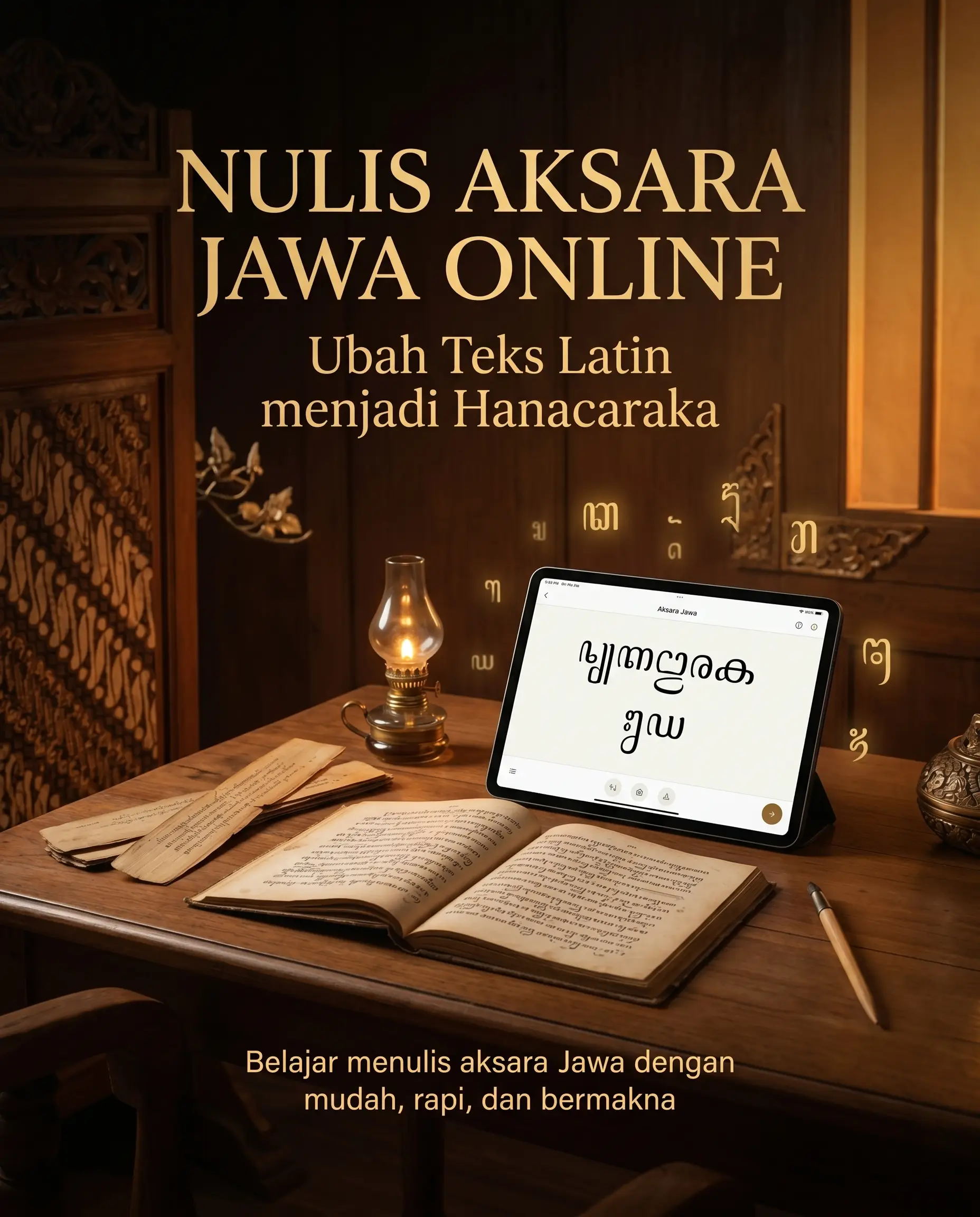
Online converters are helpful, but not every word can be processed perfectly. Personal names, modern terms, loanwords, mixed spelling, and sentences that require context may produce more than one possible writing form.
Javanese script display also depends on the device, browser, and font support. If the result appears as empty boxes, question marks, or uneven letter placement, the issue may be related to Javanese Unicode rendering rather than the transliteration itself.
For learning, the converter is still very useful. For formal education, public design, official writing, or materials that will be widely used, the output should be checked again with learning resources, teachers, or more complete references.
Why Javanese Script May Look Different on Phones
Javanese script may look different across devices because not every system supports the script in the same way. Hanacaraka needs proper Javanese Unicode support so that sandhangan, pangkon, pasangan, and letter combinations appear correctly.
If the script looks stacked, separated, broken, or replaced by empty boxes, the output is not always wrong. The browser, app, operating system, or installed font may not render Javanese script correctly.
To check the result, try opening the same text in another browser, another device, or use the JavaSense page as a comparison. For formal materials, manual review is still recommended.
Translation vs Transliteration
This tool is not an English to Javanese or Indonesian to Javanese language translator. Its main function is transliteration: changing Latin letters into Javanese script or Hanacaraka.
For example, if you type “house,” this tool does not translate the meaning into the Javanese word omah. It helps write the input text in Javanese script based on transliteration rules.
Translation changes meaning from one language to another. Transliteration changes a writing system from one script to another. Understanding this difference helps users use the tool correctly.
Why Javanese Script Matters
Learning Hanacaraka is not only about writing symbols. It is connected to cultural memory, language, manuscripts, literature, traditional knowledge, and the long history of writing in Java.
In the digital age, Javanese script can continue to live through fonts, keyboards, online converters, educational apps, classroom materials, posters, and cultural content. By using an online Javanese script writer, learners can help keep the script visible for younger generations.
Use JavaSense on Android
If you want to access JavaSense tools more easily from your phone, download the JavaSense app directly from Google Play. Use the Javanese script feature as a learning companion for writing practice and cultural exploration.
Explore More JavaSense Tools
JavaSense also provides other digital tools for exploring Javanese culture, calendar systems, weton, and relationship reflection.
- Weton Calculator for checking birth day, pasaran, neptu, wuku, and related cultural elements.
- Weton Compatibility for reading weton-based relationship reflection in a cultural and non-deterministic way.
- Javanese Calendar for viewing Javanese dates, pasaran, daily weton, wuku, and cultural day markers.
- JavaSense Tools for accessing available digital tools in one place.
- Download JavaSense on Google Play for easier access from Android.